
Suno
Generates original songs from a text prompt, with editing, stems, and commercial options.
FreemiumFree planWeb
Last verified Jun 30, 2026
Generates original songs from a text prompt, with editing, stems, and commercial options.
Last verified Jun 30, 2026
Fast-read signals for fit, pricing, and trust.
Suno is an AI music generator that creates original songs — vocals and instrumentals — from a text prompt. It is aimed at creators, hobbyists, and anyone who wants custom music without producing it themselves, from personal tracks to content soundtracks. It adds editing, stem export, and commercial-use rights on paid plans. It generates music from prompts, so fine creative control is steered rather than hand-crafted.
You describe a song in words and it generates a complete track with vocals and instrumentation; from there you can edit lyrics, sections, vocals, and instrumentals, steer style with controls like voices, inspiration, and exclusions, and push experimentation with weirdness and style sliders. Paid plans add high-quality output, 12-stem WAV export for further production, and commercial-use rights, and you can upload or record audio to build on.
The users range from casual creators turning a moment into a song to content makers needing original soundtracks and musicians sketching ideas, with a free tier for exploring. It works at the music-creation step, ahead of editing or publishing.
The boundary: it generates from prompts and controls, so precise musical intent is steered rather than fully hand-authored, and commercial use depends on the plan.
Quick fit check against how you actually work.
What you can actually do with this tool.
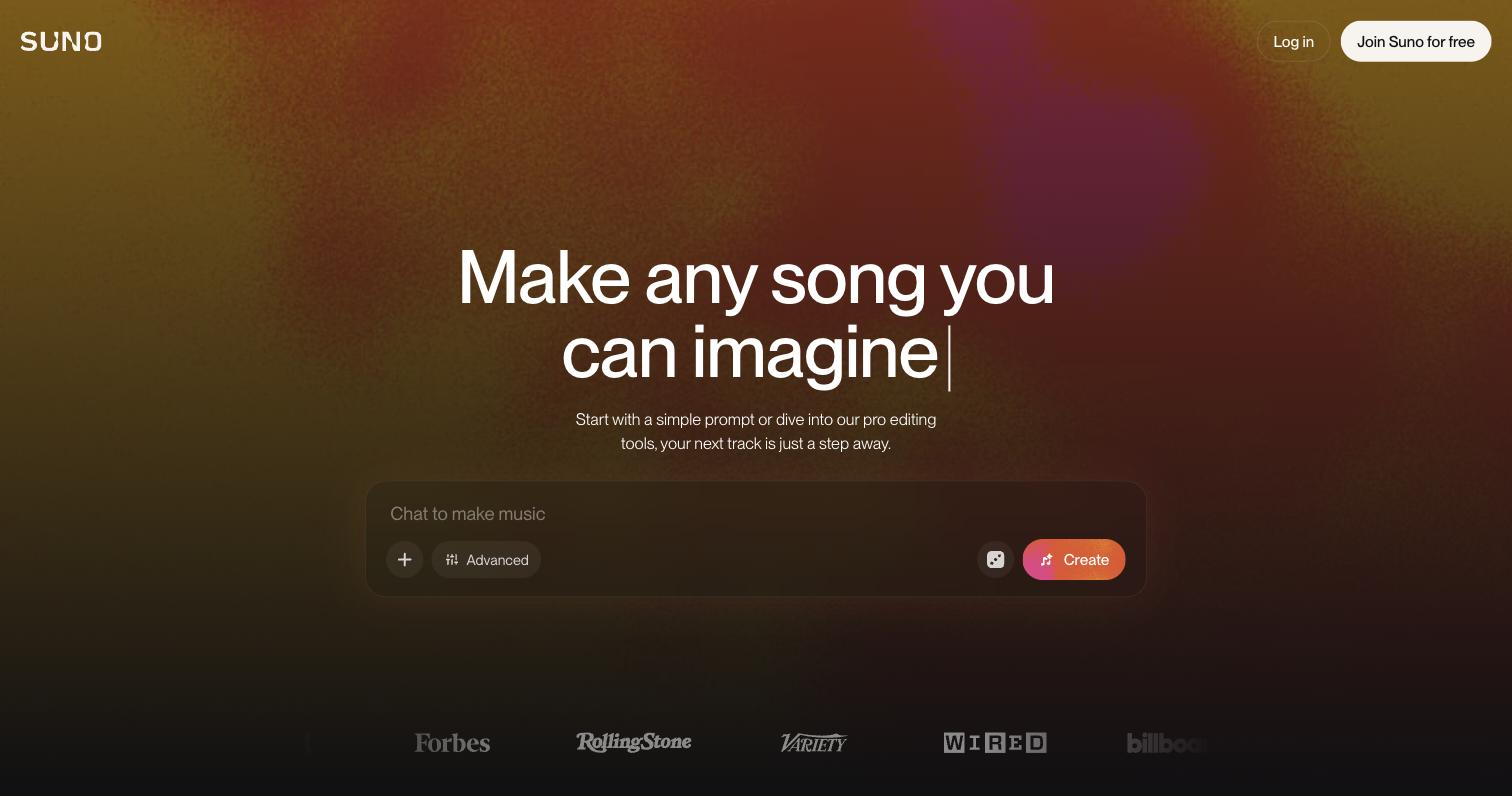
Generates a full song with vocals and instrumentals from a text description, so a track can come from an idea in words.
Edits lyrics, sections, vocals, and instrumentals to refine a generated track rather than accepting the first result.
Steers style with voices, inspiration, exclusions, and weirdness and style sliders for finer creative direction.
Exports up to 12-stem WAV files on paid plans, so you can take separated parts into other tools for production.
Lets you upload or record audio to build a track on top of, so it can start from something you bring.
Grants commercial-use rights for generated music on paid plans, which matters for publishing or monetising a track.
Pricing tiers and what's included in each.
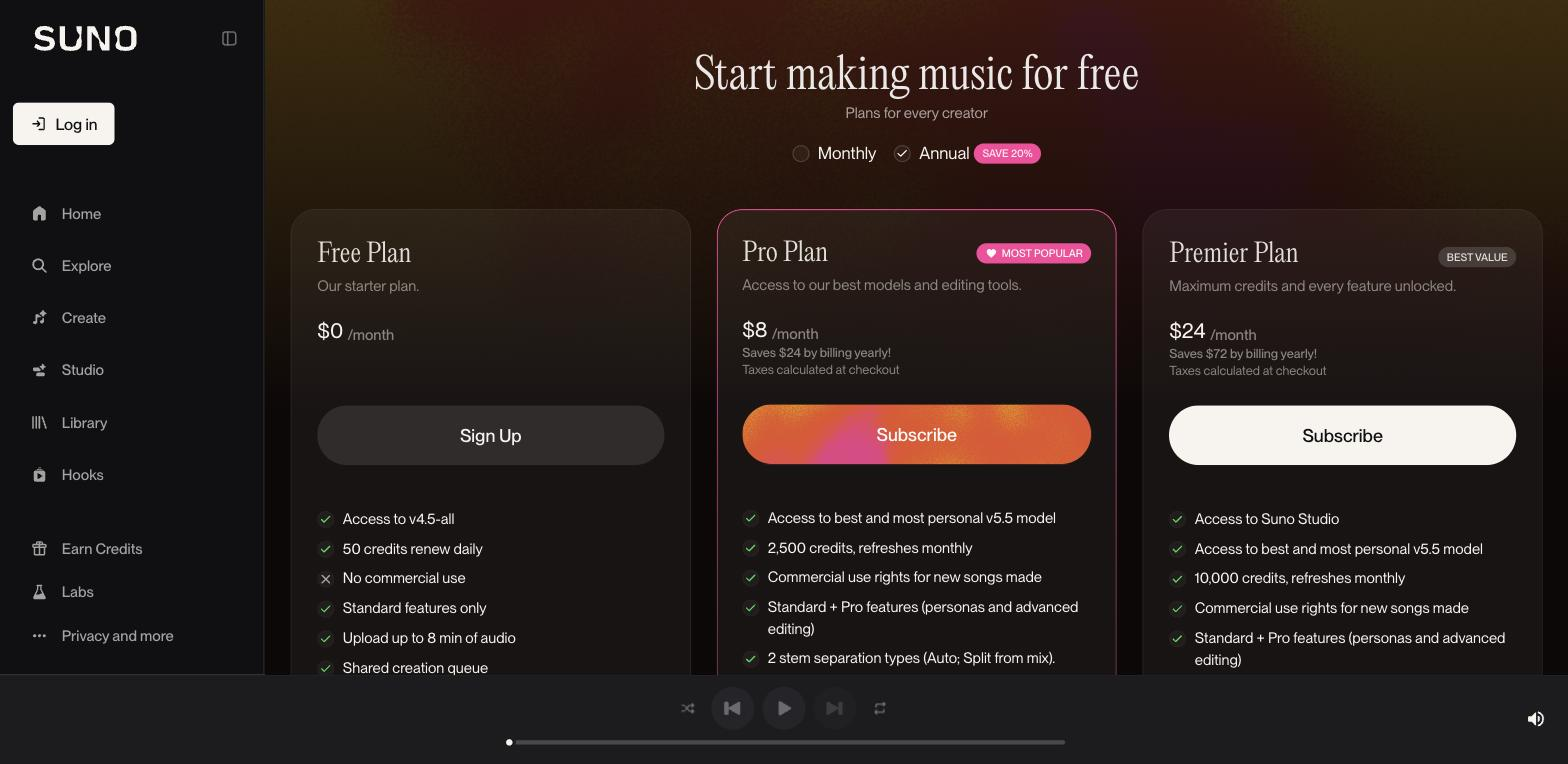
Free plan available (non-commercial use). Paid plans start at $10 per month.
A short path to first value.
10 New Suno Features You Need to Try
Common questions about this tool, answered.
Commercial-use rights apply to generated music on paid plans, so anyone planning to publish or monetise a track should be on the right plan before using it.
Beyond the prompt you can edit lyrics, sections, vocals, and instrumentals and steer style with controls and sliders, though precise musical intent is steered rather than hand-authored.
Yes — you can upload or record audio to generate on top of, so a track can start from something you bring rather than a blank prompt.
Paid plans include 12-stem WAV export, which lets you take the separated parts of a track into other tools for mixing or production.
Context for choosing between this tool and alternatives.
The decision is prompt-based song generation versus production-focused or royalty-free libraries. Suno suits creators who want original, editable tracks from a description, with stems and rights on paid plans. For background music tuned to video length, a tool like Soundraw focuses there; for hand-production, a DAW is the answer. Choose by whether you want generated original songs or a different music source.