
Sudowrite
Generates and revises fiction with a writing partner that keeps a long story consistent.
PaidFree trialNo credit cardWeb
Last verified Jul 11, 2026
Generates and revises fiction with a writing partner that keeps a long story consistent.
Last verified Jul 11, 2026
Fast-read signals for fit, pricing, and trust.
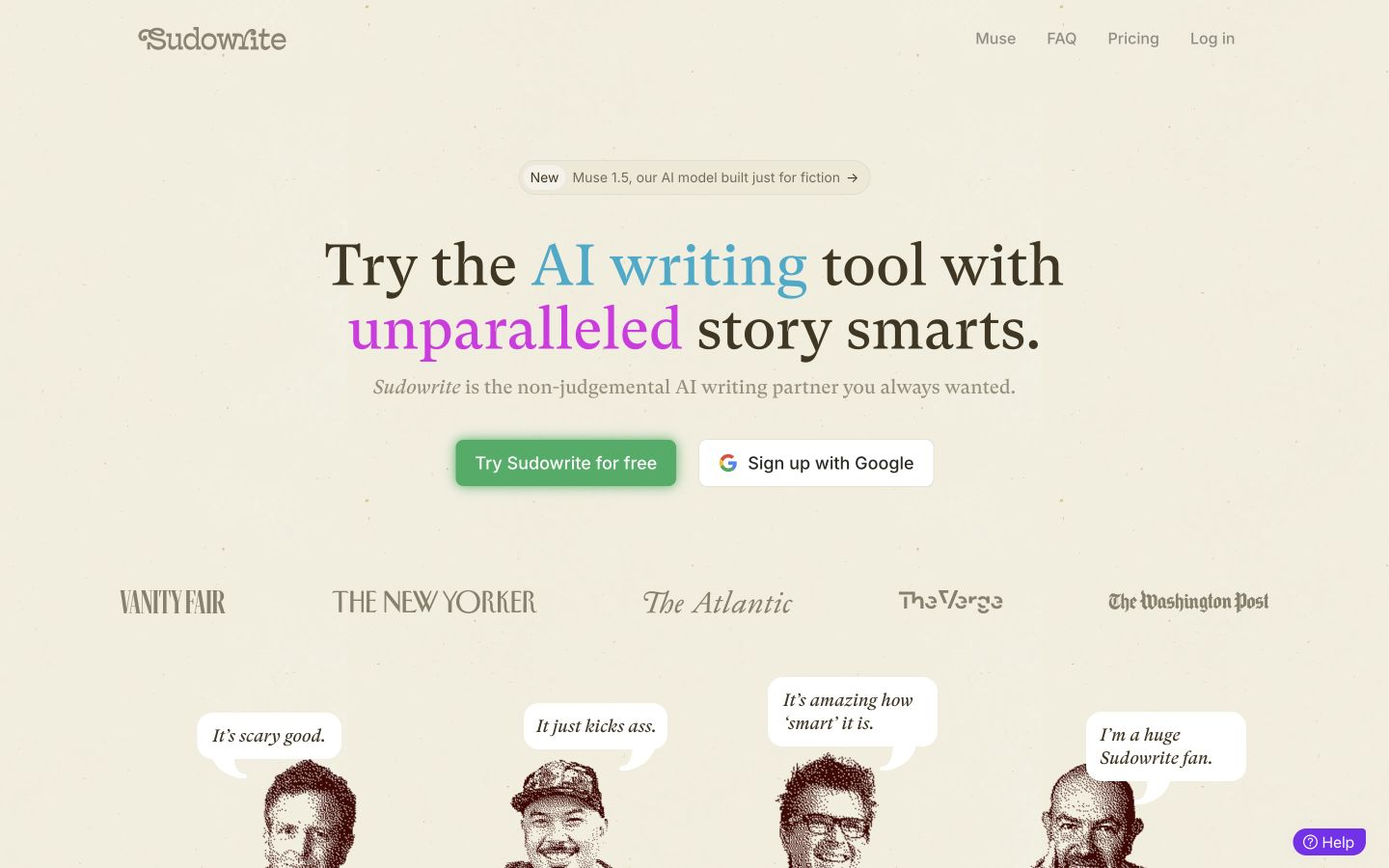
Sudowrite is a story generator made for fiction and screenwriting. It continues scenes, expands thin passages, rewrites lines, and brainstorms plot and character ideas while a Story Bible holds a long manuscript consistent. It is tuned for creative prose, not factual, technical, or business writing.
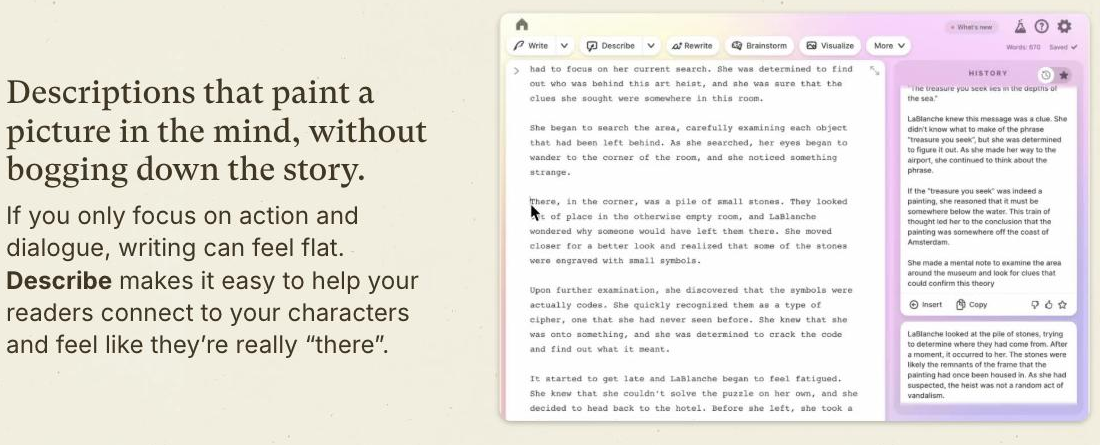
Sudowrite works at the sentence and scene level: Write continues a passage, Expand fleshes out a thin one, Rewrite rephrases a line several ways, Describe adds sensory detail, and Brainstorm offers plot or character options on demand. A Story Bible stores the manuscript's characters and plot so generations stay coherent across chapters, and a visual Canvas maps how the structure fits together.
It speaks to novelists, short-story writers, and screenwriters who want a partner for blank-page moments and the slog of revision rather than a one-click book machine. Every feature is framed around craft — pacing, character, description — which is also its boundary: built for storytelling, it is a poor fit for factual or business writing, and any draft still needs the author's edit to sound like them.
Quick fit check against how you actually work.
What you can actually do with this tool.
Continues a scene or fleshes out a passage that is too thin.
Rephrases a sentence or paragraph in several alternative ways.
Generates sensory description for a character, place, or moment.
Offers plot, character, or twist ideas on request.
Holds characters and plot details consistent across a long manuscript.
Maps plot and character development on a visual board.
Pricing tiers and what's included in each.
Sudowrite plans start at $10/month (Hobby & Student) up to $44/month (Max). Yearly billing saves up to 50%. A free trial is available with no credit card required.
A short path to first value.
Sudowrite creative writing AI demo by Founder Amit Gupta
Common questions about this tool, answered.
The Story Bible stores characters and plot details and feeds them back into generations, so scenes stay coherent across chapters.
No. It is a drafting and revision partner for scenes, descriptions, and ideas; the author still shapes structure and does the final edit.
It is tuned for creative prose, so technical, factual, or business writing is a poor fit.
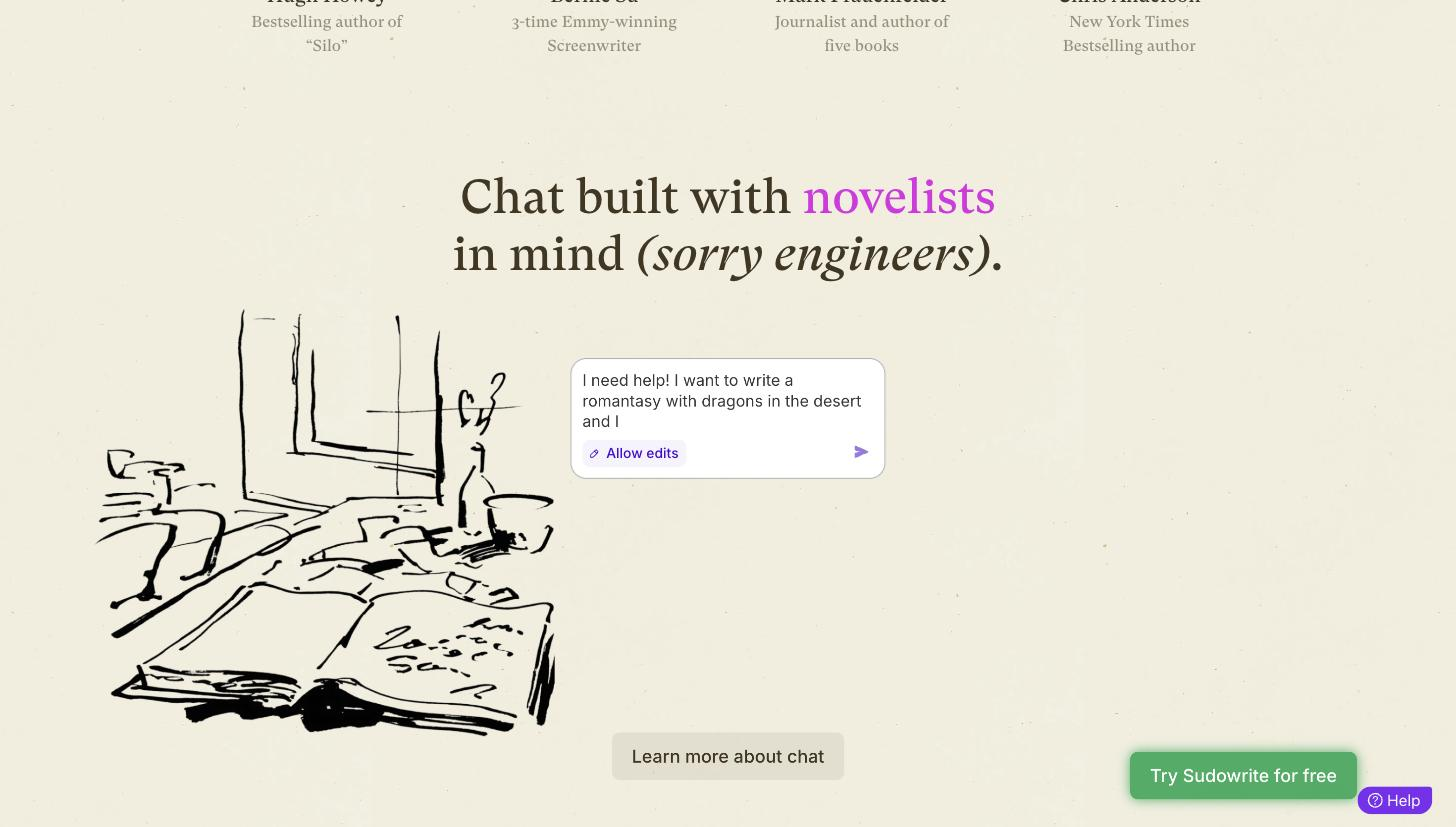
The Brainstorm feature generates a list of possible next-scene directions. You pick the direction that fits your vision, then use Write or Expand to develop it into full prose — so you stay in control while the tool handles the blank-page problem.
Context for choosing between this tool and alternatives.
The useful comparison is by writing goal, not feature list. NovelAI is the closest fiction-first peer, with its own storytelling controls if you want to compare drafting approaches; Copyleaks, GPTZero, and Winston AI sit in a different lane entirely — they check whether text reads as AI-generated, a concern after drafting rather than during it.
Other tools that show up for the same kind of work.