
SiteGPT
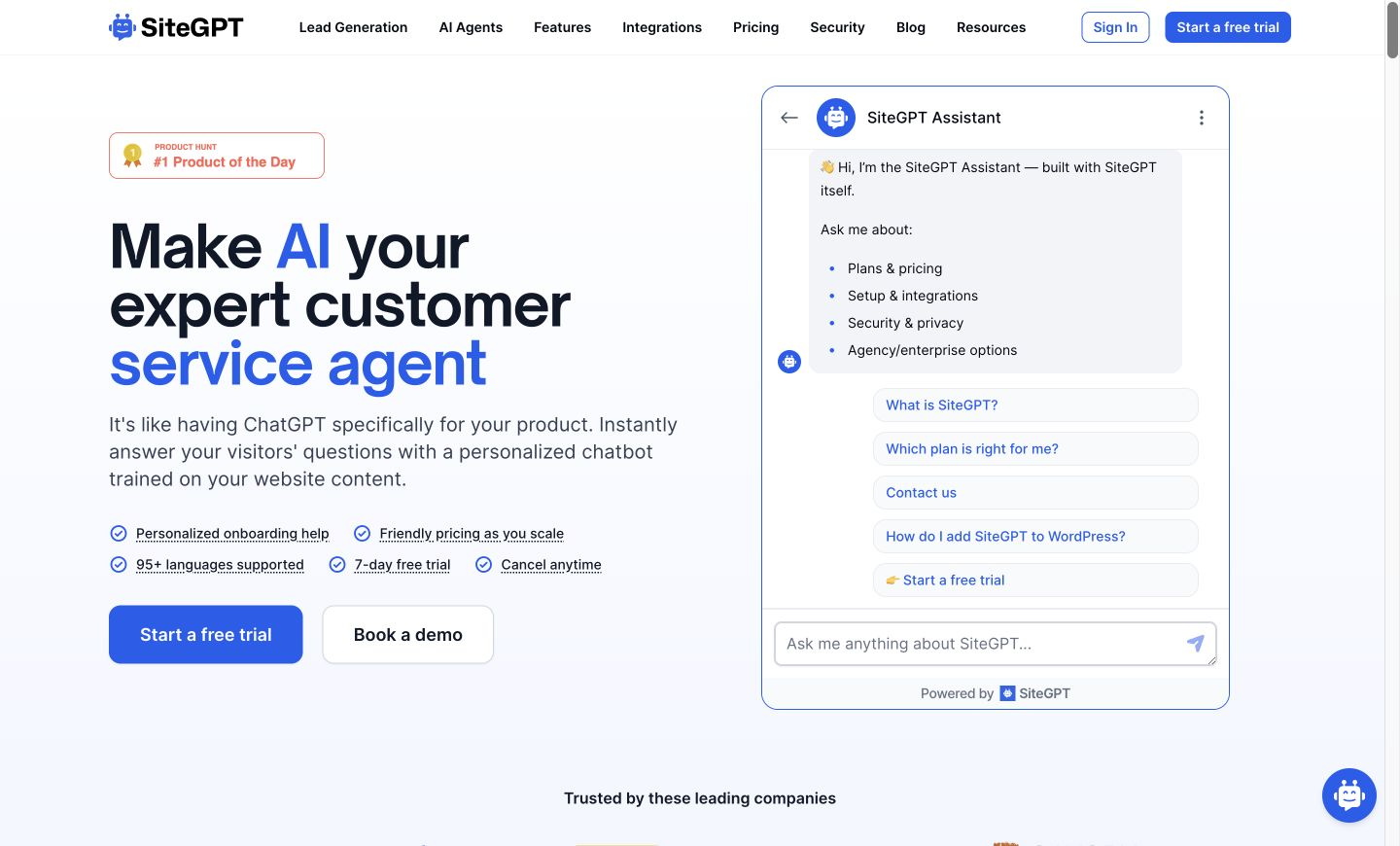
Builds a support chatbot trained on your website content, with human handoff and lead capture.
PaidFree trialWeb
Last verified Jul 8, 2026
Builds a support chatbot trained on your website content, with human handoff and lead capture.
Last verified Jul 8, 2026
Fast-read signals for fit, pricing, and trust.
SiteGPT is a chatbot builder for customer support, trained on a company's own content. It is aimed at support and marketing teams that field the same questions repeatedly and want to deflect routine ones without a bigger helpdesk. The trade-off worth knowing: answer quality rises and falls with the source material it learns from.
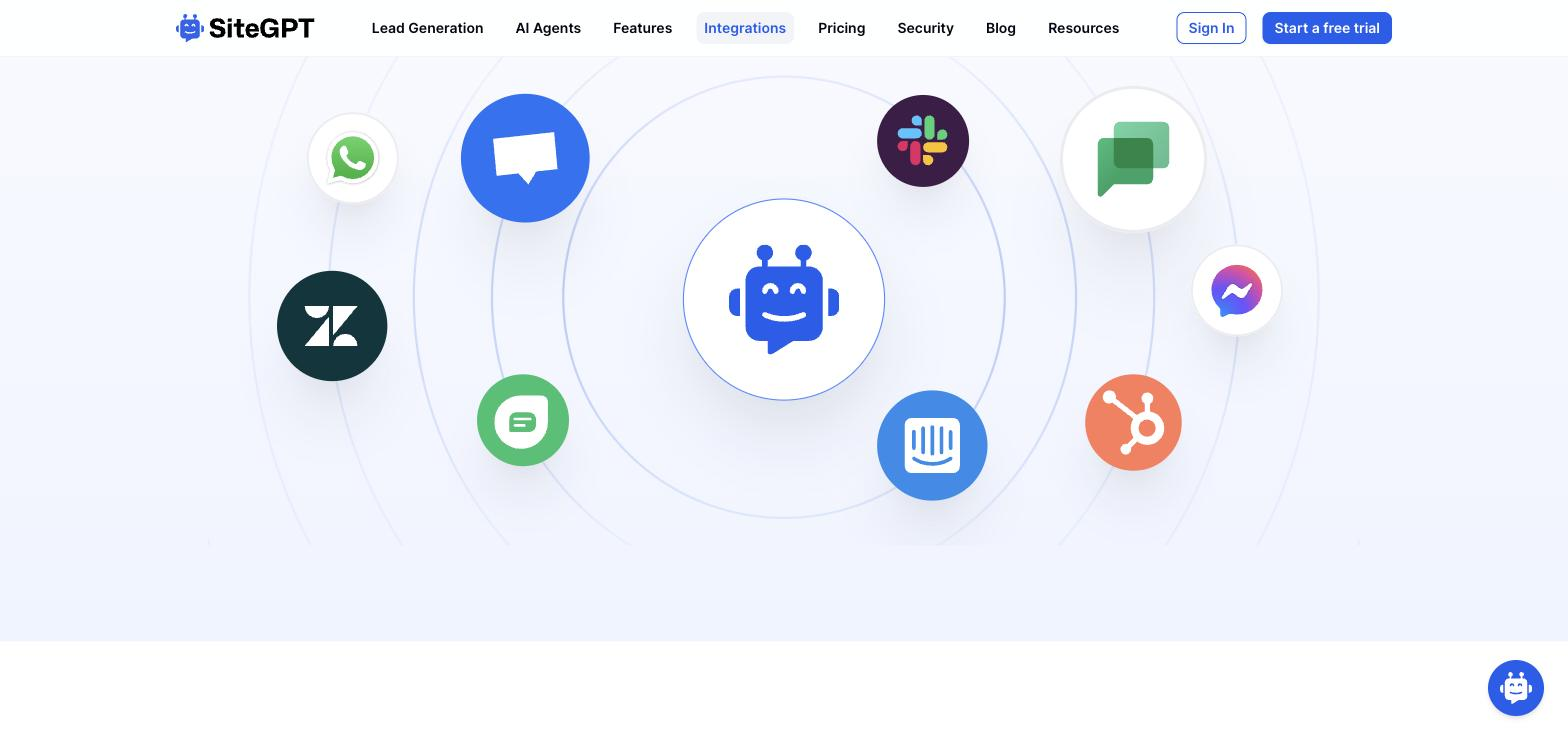
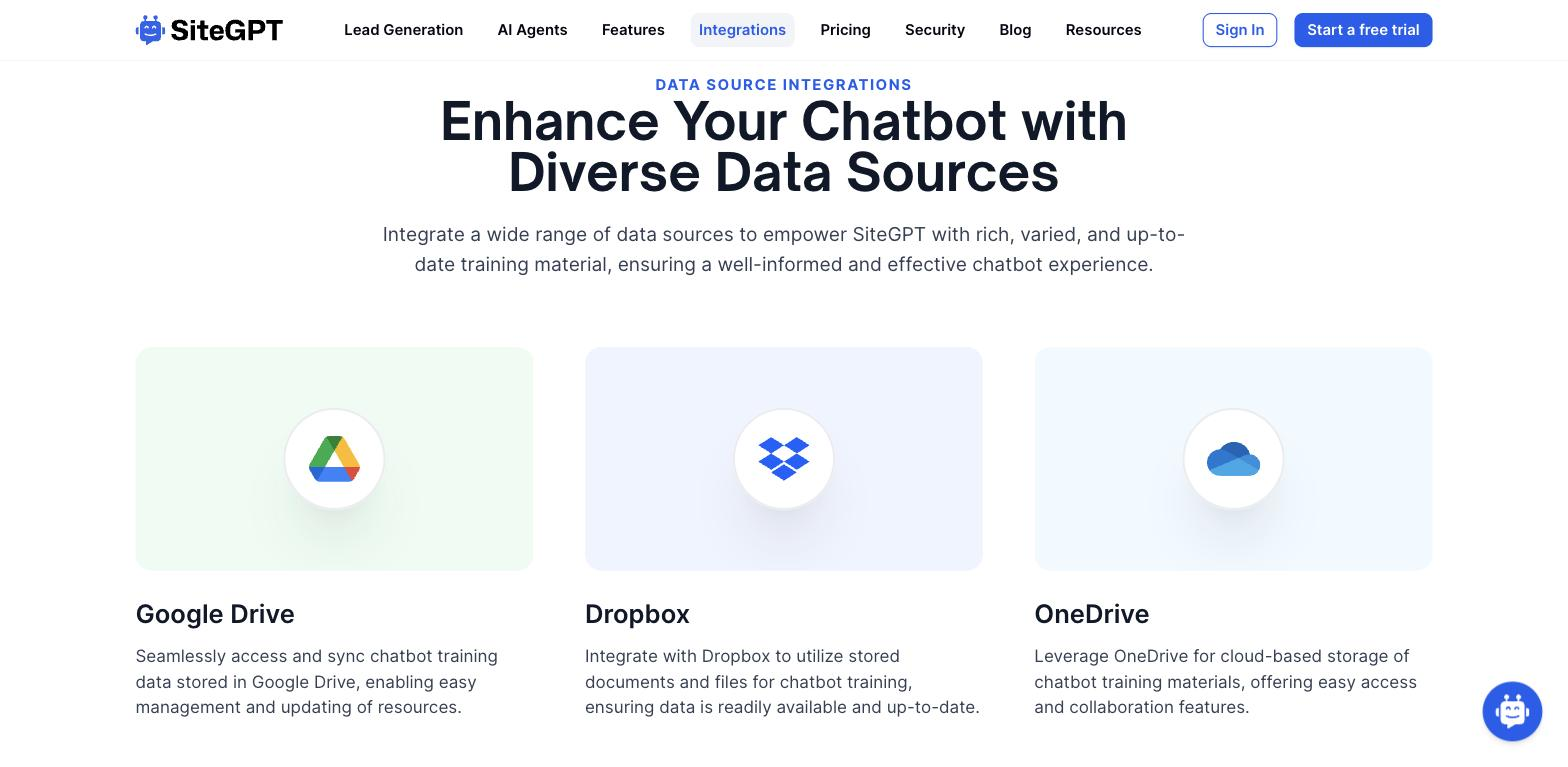
You point it at a website URL, upload files, or paste text, and it trains a chatbot that answers visitor questions in your brand's voice; you embed that bot across your sites and help center, hand conversations to a live agent on a button, capture leads from chats, and receive daily summaries of what people asked. Functions let it trigger actions in connected systems where you set them up.
It fits support and marketing teams that want to deflect repetitive questions around the clock without a bigger helpdesk. It runs on the website and in-app, in front of the human queue, sharpening as you add content and real chat history.
The limit: answers are only as good as the material behind them, so thin or stale content yields weak replies, and it complements a support team rather than replacing it.
Quick fit check against how you actually work.
What you can actually do with this tool.
Trains a chatbot on your website, uploaded files, or pasted text, so it answers from your own material in your brand's voice.
Adds the bot to as many sites, apps, or help centres as you want, so it meets visitors wherever they already are.
Passes a conversation to a live agent at the push of a button, so visitors still reach a person for cases that need one.
Collects interested visitors' details from chats, turning support conversations into a list of potential leads.
Sends daily digests of what visitors asked, so you can spot gaps in coverage and add training data where needed.
Triggers configured actions in connected systems based on chat context, going beyond plain answers.
Pricing tiers and what's included in each.
SiteGPT starts at $39 per month for the Starter plan (1 chatbot, 4,000 messages per month, 1,000 crawled pages, 1 team member). Growth is $79 per month (2 chatbots, 10,000 messages, 10,000 pages, 4 team members). Scale is $259 per month (3 chatbots, 40,000 messages, 50,000 pages, 10 team members). Enterprise plans are available on request. Annual billing saves approximately 40%. There is no free plan — a 7-day free trial is available.
A short path to first value.
Empower Your Website: Introducing SiteGPT
Common questions about this tool, answered.
Clear, current, well-structured documentation gives the strongest results; thin or outdated material is the main reason a trained bot underperforms, so curating the source matters more than the setup.
No — it deflects routine, repetitive questions and escalates the rest, so it lightens the load on a support team rather than removing the need for one.
Daily summaries reveal what visitors asked, and you can add training data and review real chat history, so coverage gaps surface and get filled from actual questions.
One trained agent can run on a marketing site, in-app, and a help center together, so support coverage isn't limited to a single page or product surface.
Context for choosing between this tool and alternatives.
General support versus retail selling is the dividing line, along with how much you want the bot to act. Choose it for a support chatbot trained on your own content with handoff and lead capture. For an ecommerce-specific selling agent, Zipchat AI is worth a look; other content-trained builders such as Chatbase or DocsBot AI overlap closely. Teams with good documentation that want to deflect repeat questions fit the content-trained approach well.
Other tools that show up for the same kind of work.
Chatbase
Freemium
Botpress
Freemium