
Grammarly
Checks grammar, clarity, and tone as you write across the apps you already use.
FreemiumFree planWeb
Last verified Jul 5, 2026
Checks grammar, clarity, and tone as you write across the apps you already use.
Last verified Jul 5, 2026
Fast-read signals for fit, pricing, and trust.
Grammarly is a writing assistant that flags grammar, spelling, clarity, and tone issues and suggests fixes while you write. It is aimed at professionals, students, and teams who want their everyday writing — emails, documents, messages — to read clearly and on-brand. It works inside the apps you already use rather than as a separate editor. It guides writing rather than producing finished copy on its own.
It reads your text as you write and surfaces suggestions — corrections for grammar and spelling, rephrasing for clarity and concision, and adjustments for tone and brand style — that you accept or ignore inline. It runs where the writing happens: email, documents, Slack, support tools, and the browser, rather than asking you to draft somewhere else first.
The users span individuals polishing their own writing and organizations that want consistent, on-brand communication across a team, with brand-tone and style controls for the latter. It sits on top of your existing tools as a layer over the writing surface.
The boundary to note: it improves and guides text rather than generating finished pieces, and tone suggestions are guidance — the writer's judgement still decides what ships.
Quick fit check against how you actually work.
What you can actually do with this tool.
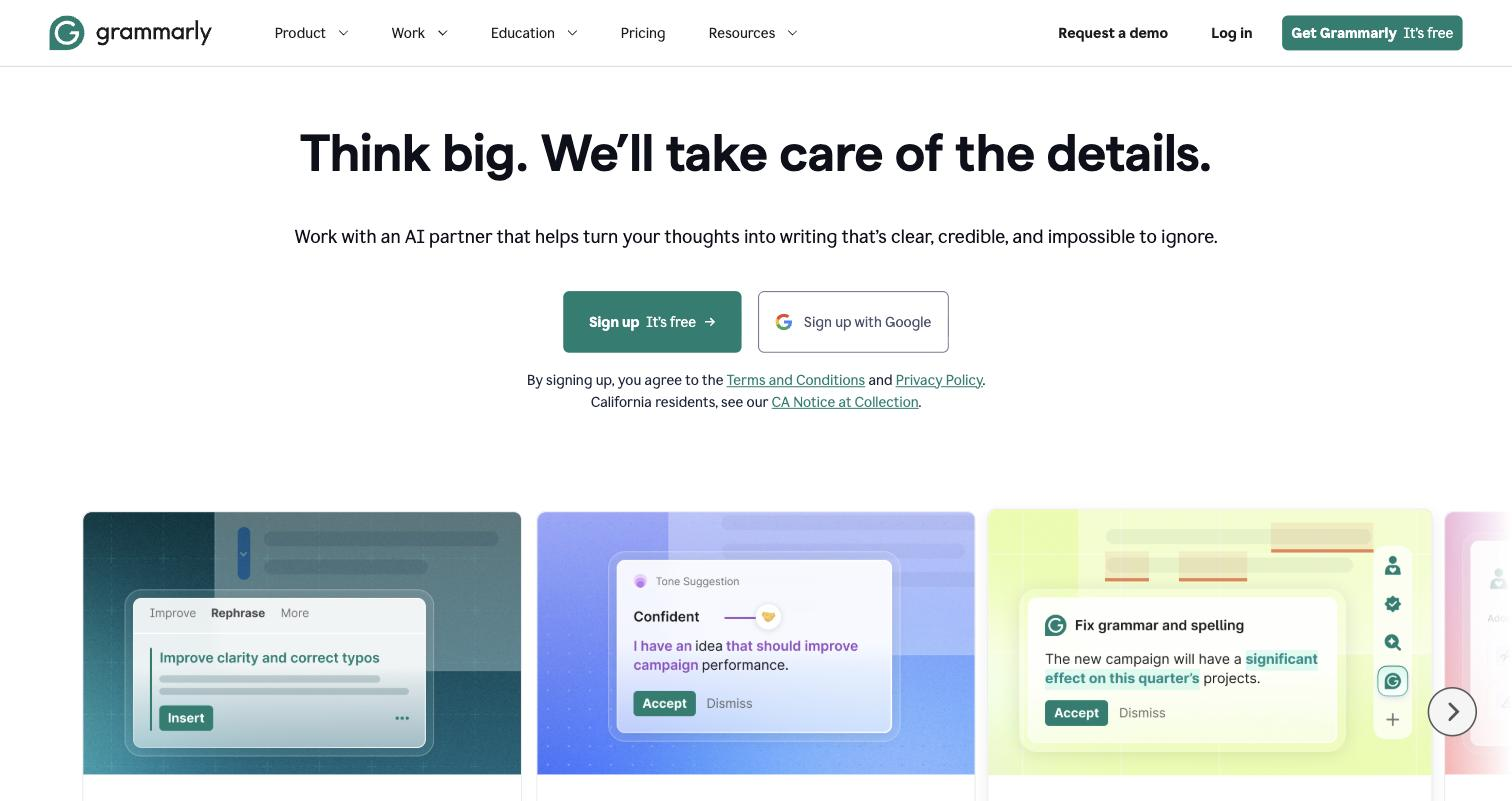
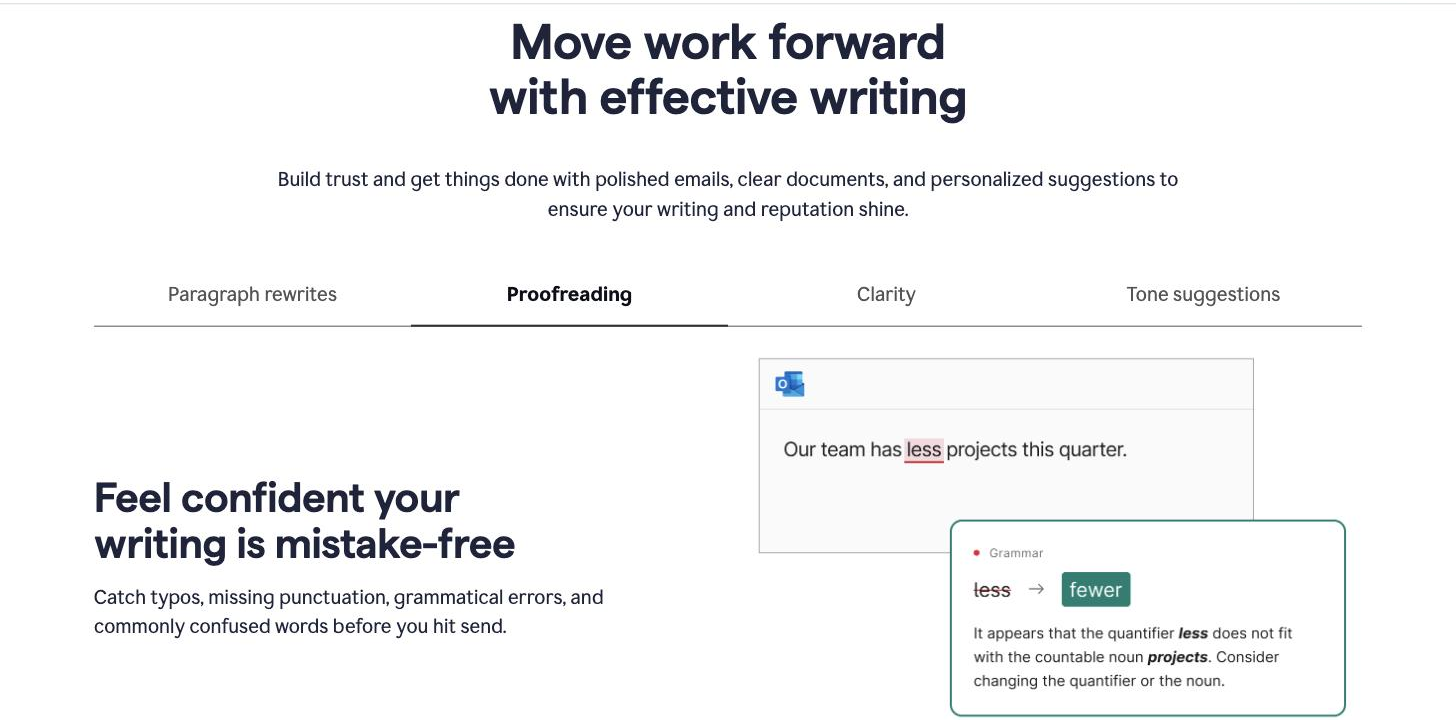
Flags and corrects grammatical and spelling mistakes inline as you write, across the email, document, and chat apps where the writing actually happens.
Suggests more concise, clearer phrasing for clunky or wordy sentences, tightening the message without changing the meaning you intended.
Reads the tone of your writing and suggests adjustments to hit the register you want, helping you sound right while keeping your own voice.
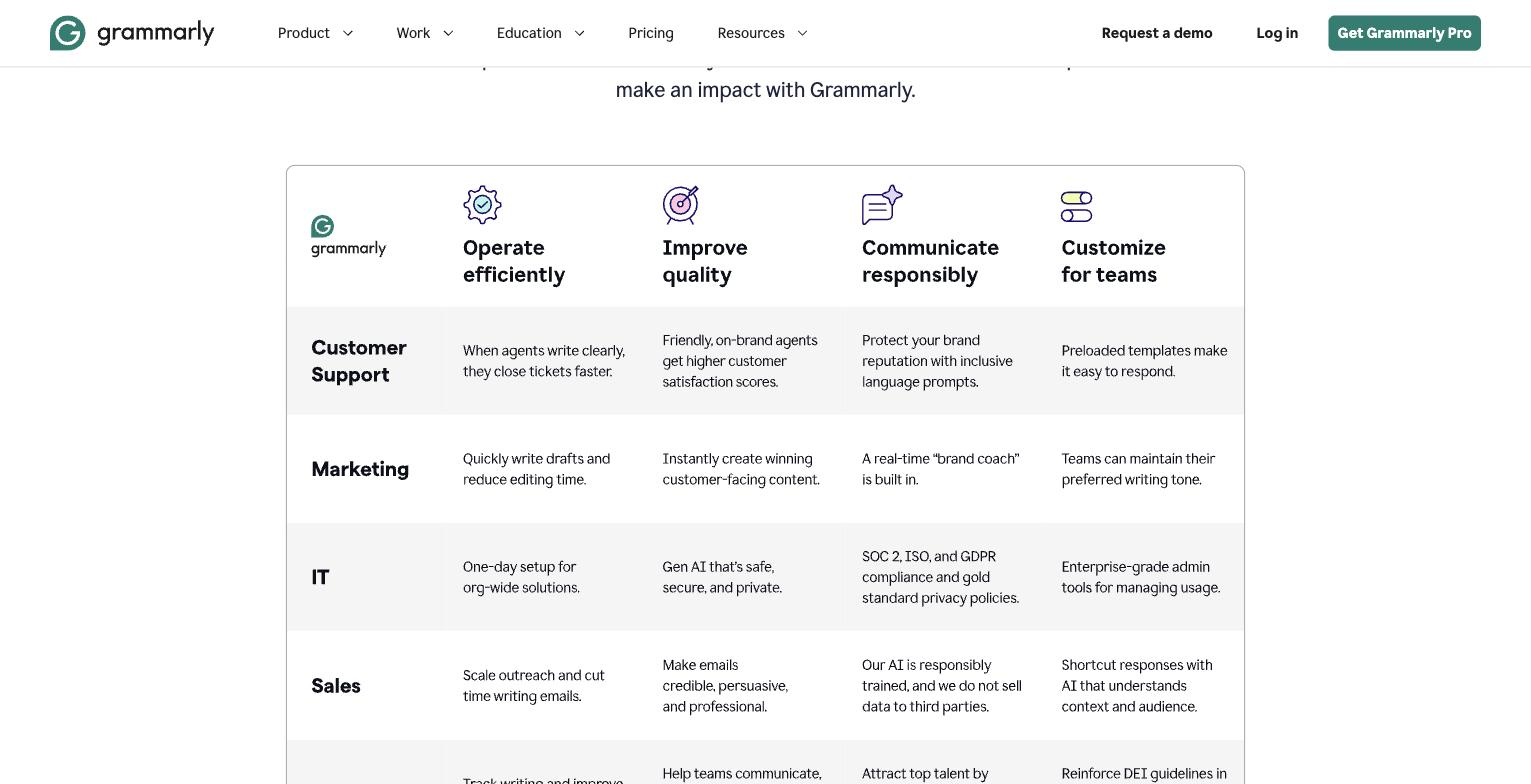
Lets an organisation set a style guide so a whole team's writing follows the same tone and conventions, keeping communication consistent.
Checks whether passages match outside sources, which supports academic and editorial work where originality has to be verified.
Works inside email, documents, Slack, support tools, and the browser, so the same suggestions follow you wherever you type.
Pricing tiers and what's included in each.
Free plan available. Grammarly Pro is $30 per month billed monthly, $60 per quarter, or $144 per year (about $12/month on annual billing). Enterprise pricing is custom.
A short path to first value.
Improve Style and Substance With Grammarly's Proofreader Agent
Common questions about this tool, answered.
It centres on improving and guiding writing you produce rather than generating finished pieces from scratch, so teams wanting drafts created will pair it with a generation tool.
An organisation can set a brand style guide that the assistant applies, so writing stays on the same tone and conventions even across many different writers.
Tone and clarity prompts are guidance, not rules; they help you see writing through a reader's eyes, but the final wording and judgement stay with you.
It layers onto the apps you already use, so suggestions appear in email, documents, chat tools, and the browser rather than only inside a dedicated window.
Context for choosing between this tool and alternatives.
The call is whether you want writing guidance across everything you type or generation of new content. Grammarly suits clarity, correctness, and tone across apps. If your need is producing long-form drafts, a copywriting or content tool covers that; for grammar in a single niche, lighter checkers exist. Decide by whether you want a writing layer over your daily tools or a generator for new pieces.