AutoDraw
A free, browser-based drawing tool from Google that uses machine learning to suggest clean clip-art matches for rough freehand sketches.
FreeFree planWeb
Last verified Jul 14, 2026
A free, browser-based drawing tool from Google that uses machine learning to suggest clean clip-art matches for rough freehand sketches.
Last verified Jul 14, 2026
Fast-read signals for fit, pricing, and trust.
AutoDraw is a free, browser-based Google Experiments tool that matches rough freehand sketches to clean clip-art icon suggestions from a pre-existing library. It is a visual ideation utility—not a photorealistic image generator, not a text-to-image tool—and works in any browser without an account or download. Its value is converting a rough sketch into a recognizable visual quickly and without drawing skill.
AutoDraw is a free, browser-based drawing tool from Google Experiments that uses machine learning to turn rough freehand sketches into clean clip-art suggestions. As you draw on the AutoDraw canvas, its model recognizes what you might be drawing and surfaces a row of pre-drawn clip-art icons that match the shape. Click one to replace your rough sketch with the clean version. The tool is positioned as a visual ideation utility—a way to produce simple, recognizable visuals quickly without drawing skill. It is not a full AI image generator: it does not produce original AI-generated artwork from text prompts, does not output photorealistic images, and does not support complex scene composition. The output is clean clip-art selected from a pre-existing artist-contributed library, not a novel AI-created image. AutoDraw's design philosophy is intentionally simple. There is no account required, no signup, no download, and no payment. Open the browser, draw, select from suggestions, and export or copy the result. This makes it useful for quick whiteboard-style sketching, simple icon selection for presentations or notes, and low-stakes visual communication where a recognizable clip-art icon is better than a hand-drawn shape. Use cases include: quickly sketching a diagram or concept in a meeting and replacing it with a tidy clip-art icon, producing simple visual assets for a slide or document without opening a full design tool, and helping non-designers communicate visual ideas with simple, recognizable shapes. AutoDraw should not be positioned as an AI image generator competing with Midjourney, Stable Diffusion, or similar tools. It does not generate novel imagery from prompts. Its comparison class is simple icon tools, quick sketch utilities, and lightweight web-based visual aids for non-designers. The underlying clip-art assets are contributed by artists through a dedicated program. Check AutoDraw's current terms and any artist attribution requirements for clip-art used in commercial publication.
Quick fit check against how you actually work.
What you can actually do with this tool.
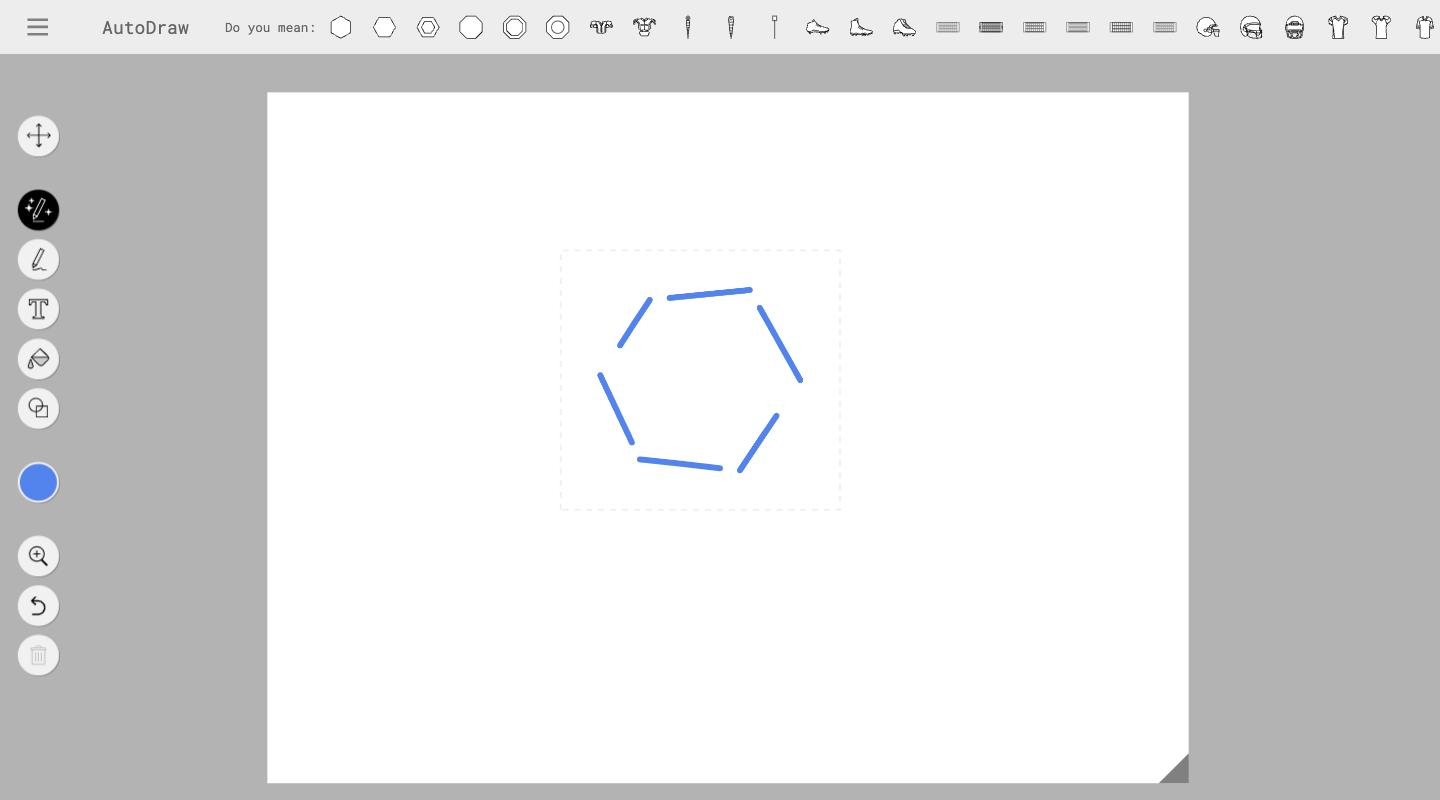
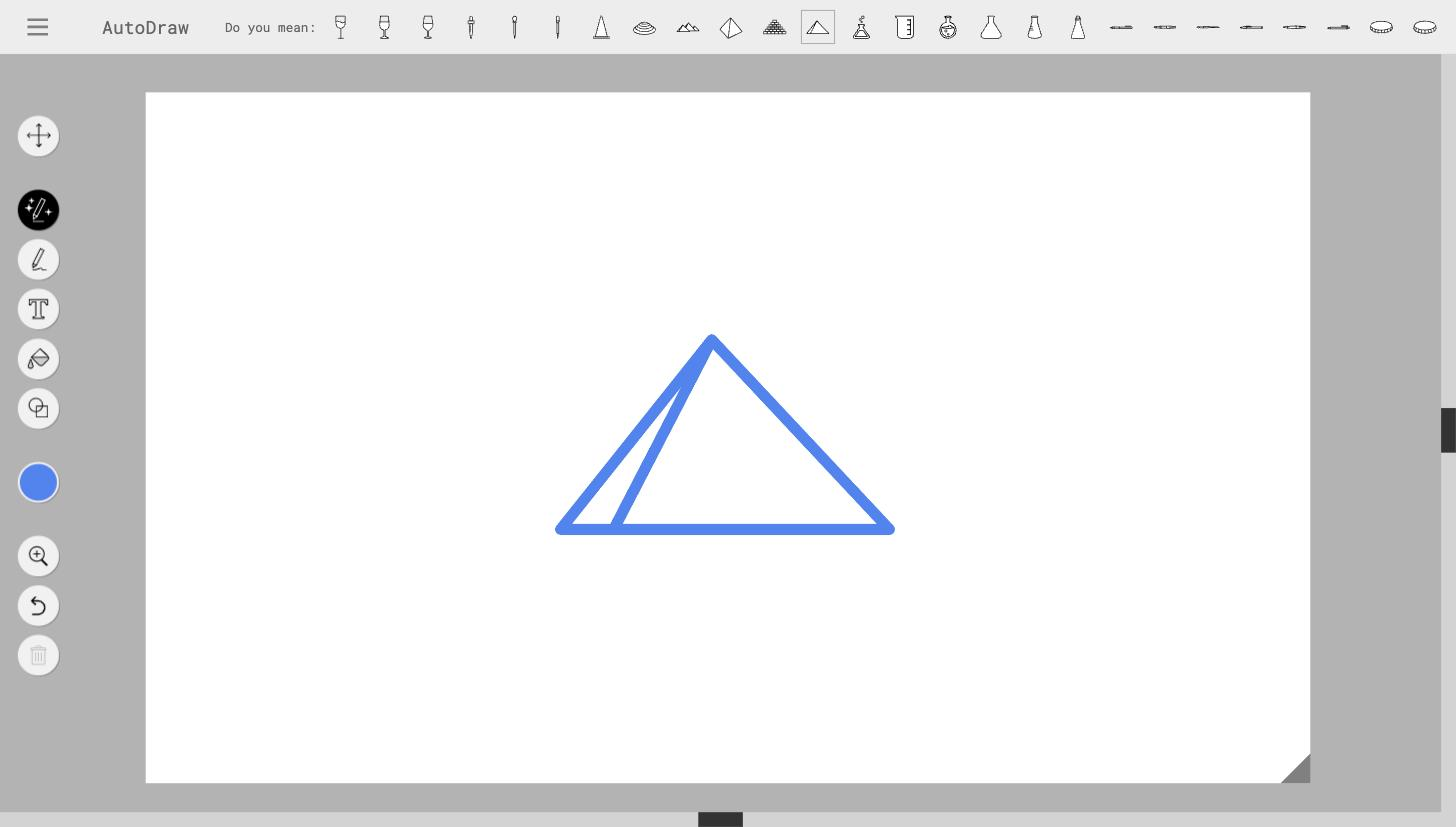
Draw a rough shape on the canvas and immediately see matching clip-art suggestions from the pre-existing library.
Uses a trained model to recognize freehand sketch intent and match it to known icon categories in real time.
Entirely browser-based and free to use with no signup process or installation.
Includes select, draw, text, fill, and shape tools for composing a simple visual on the canvas.
Export the finished drawing or use the share link to copy and use it in slides, documents, or notes.
No subscription, no usage limits tied to a plan—open access for all users.
Pricing tiers and what's included in each.
AutoDraw is completely free to use. There are no paid tiers, no signup requirement, and no usage limits tied to a subscription. It is an open-access Google Experiments project available from any modern browser.
A short path to first value.
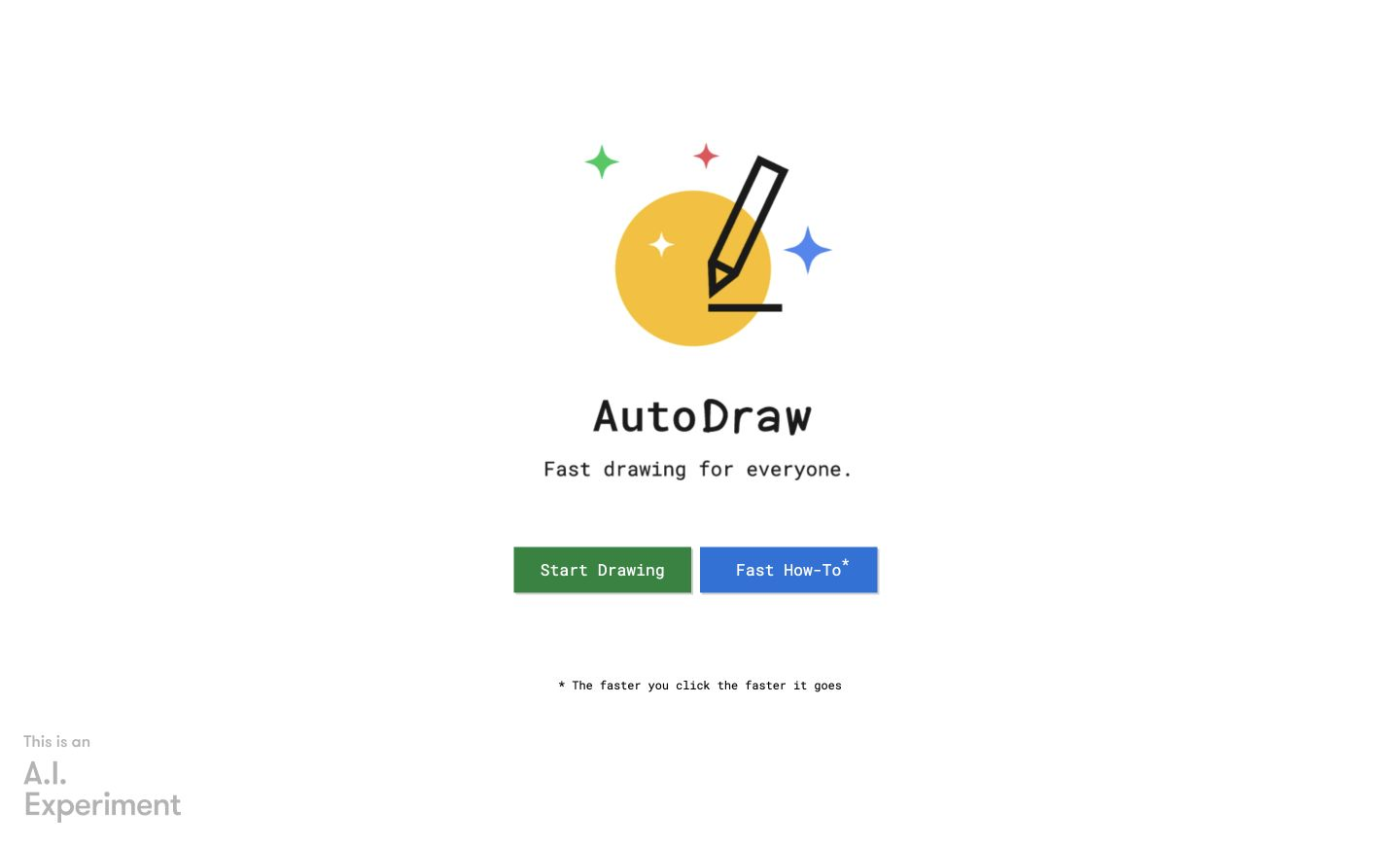
AutoDraw: Fast Drawing for Everyone
Common questions about this tool, answered.
Yes. AutoDraw is a Google Experiments project and is completely free to use with no account, no signup, and no paid tiers.
No. AutoDraw matches your rough sketches to pre-drawn clip-art icons from its artist-contributed library. It does not generate novel images from text prompts. If you need AI image generation, tools like Midjourney or DALL·E are designed for that use case.
The underlying clip-art assets are contributed by artists through Google's AutoDraw program. Check AutoDraw's current terms and any artist attribution requirements for the specific clip-art you use before commercial publication.
Simple diagrams, concept sketches tidied into clip-art icons, visual elements for slides or documents, and quick illustrated notes. It is a visual ideation utility, not a production illustration or image generation tool.
It is browser-based and accessible from mobile browsers, though the drawing experience is optimized for desktop or tablet use with a stylus or mouse.