
AuthoredUp
A LinkedIn content studio for writing, formatting, scheduling, and analyzing posts in one place.
PaidFree trialNo credit cardWeb
Last verified Jun 16, 2026
A LinkedIn content studio for writing, formatting, scheduling, and analyzing posts in one place.
Last verified Jun 16, 2026
Fast-read signals for fit, pricing, and trust.
AuthoredUp is a LinkedIn content tool that brings writing, formatting, scheduling, and analytics into one studio. It formats posts with styling and readability checks, saves drafts, schedules from a calendar, and tracks impressions and engagement so creators see what works. It is aimed at LinkedIn creators, founders, and marketers building an audience there. It is focused on LinkedIn only, by design.
It gives LinkedIn creators a single place to draft and format posts — bold, italics, emojis, tested hooks, a readability grade — then save them as drafts, schedule from a calendar, and review how each performed on impressions and engagement. A dashboard tracks growth over time, and a saved-posts library lets you keep and study content for patterns.
The fit is LinkedIn creators, founders, and marketers posting regularly to grow an audience, who would rather not switch between a writing tool, a scheduler, and an analytics dashboard. It layers on top of LinkedIn, sitting between idea and publish for that one platform.
What it isn't: cross-channel. It covers LinkedIn only, and it supports your writing rather than generating posts for you.
Quick fit check against how you actually work.
What you can actually do with this tool.
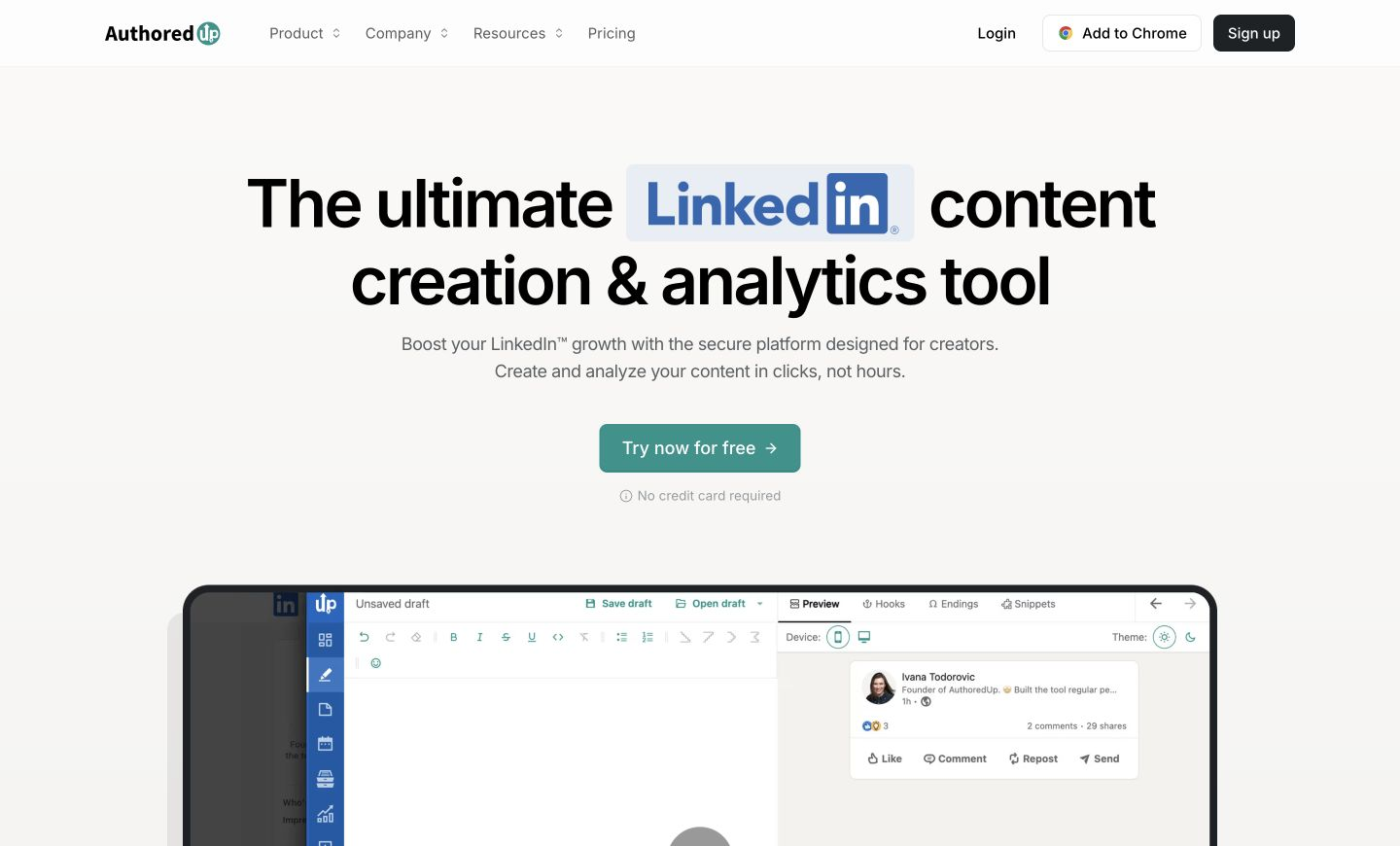
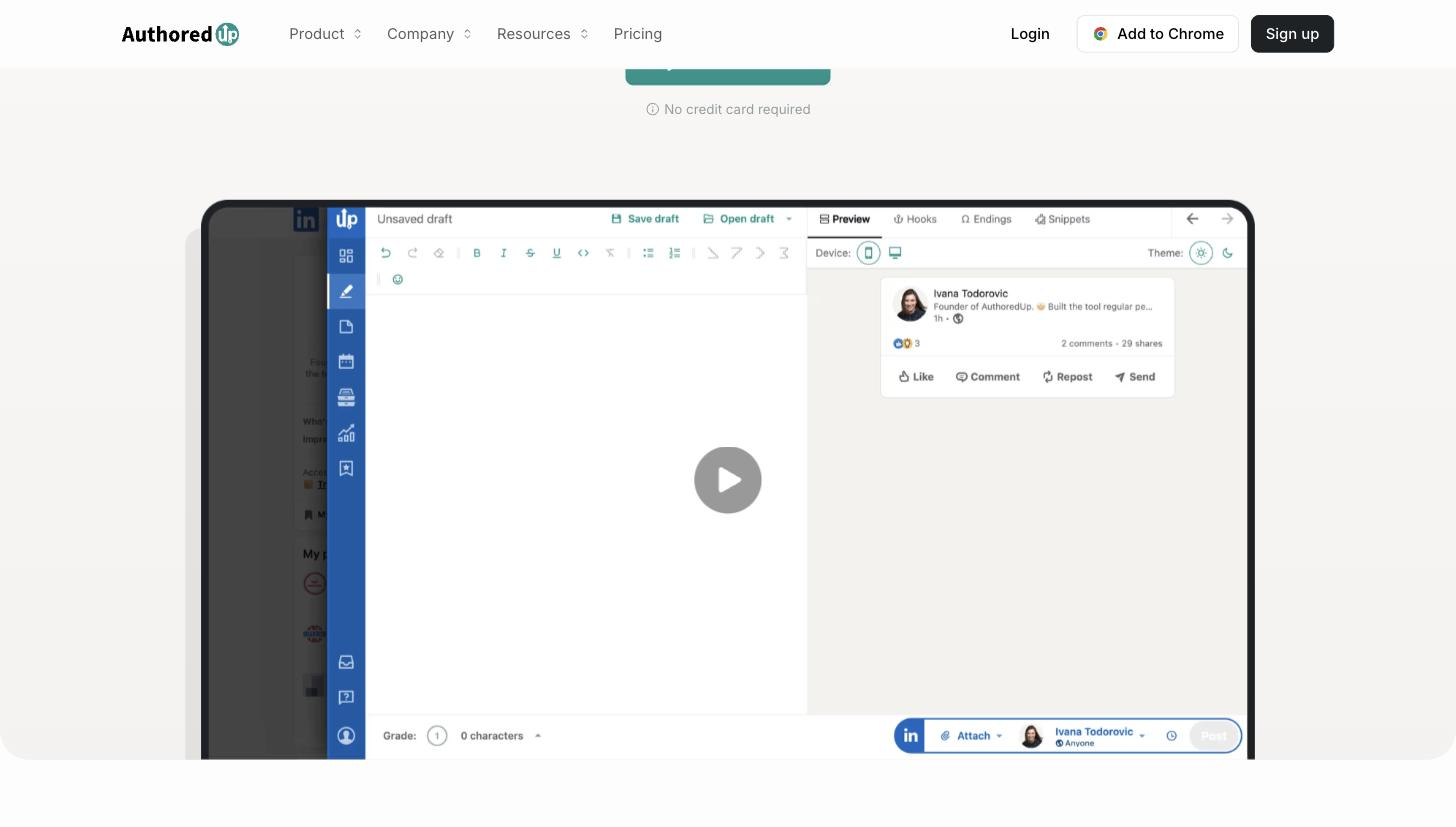
Formats posts with bold, italics, and emojis, plus tested hooks and a readability grade, so you can craft and preview a post before publishing it.
Saves ideas as drafts and prepares posts for later, so you can write in batches and publish or schedule when the timing is right.
Plans, schedules, and shows published and upcoming posts in one view, so a posting cadence stays organised instead of improvised each day.
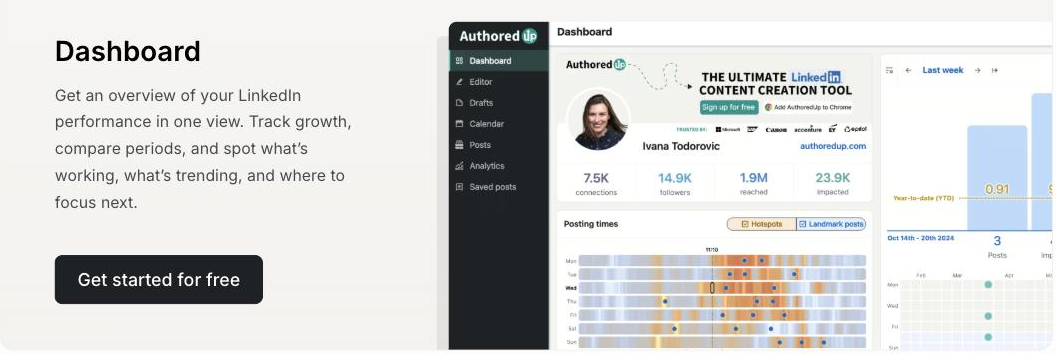
Tracks impressions and engagement and shows a growth timeline, so you can see which posts landed and where to focus next.
Collects and filters posts, including ones from before you installed it, so you can study what performed and reuse winning patterns.
Connects to LinkedIn without storing your login credentials, which matters for creators cautious about account safety.
Pricing tiers and what's included in each.
14-day free trial (no credit card). Paid plans start at $19.95 per month.
A short path to first value.
AuthoredUp 1 minute demo - a 10x better Post Editor
Common questions about this tool, answered.
It is designed to work without storing your LinkedIn login credentials, a point it emphasizes for creators cautious about connecting third-party tools to their account.
Saved posts can be filtered and exported, including to a spreadsheet, so you can analyze your content history outside the tool if you want to.
It centers on drafting, scheduling, and measuring rather than dictating timing, so you set the cadence and use the analytics to learn what lands and adjust.
It is built around managing a creator's LinkedIn presence, so it concentrates on the formatting, scheduling, and analytics for that rather than broad multi-account management.
Context for choosing between this tool and alternatives.
Depth on one platform versus reach or generation is the trade. Choose it for a focused LinkedIn studio covering writing, formatting, scheduling, and analytics. If you want AI to generate the posts, EasyGen or MagicPost take that angle; if you manage several networks, a multi-channel scheduler covers more ground. LinkedIn-first creators value the focused formatting and measurement; multi-network marketers need broader tools.
Other tools that show up for the same kind of work.
MagicPost
Paid
Postwise
Paid